Taking better product photos using AI is now a real workflow, not a gimmick — but the brands doing it well use AI as a darkroom, not a camera. The photograph's soul — real product, real light, a point of view — still comes from a shoot; AI multiplies what a good capture can become: cleaner, more consistent, adapted across formats, and extended into backgrounds and contexts that would once have required location days. This guide covers the workflow we actually run for premium brands, and the honesty lines that keep it luxury-safe.

The principle: enhance the real, don't fake the product
For premium and luxury commerce, the product in the image must be the product the customer receives — texture, color, proportion. AI belongs everywhere around that truth: cleanup, background, lighting refinement, formatting, and context. It does not belong in generating the product itself or altering its material reality; misrepresentation is both a returns machine and a brand wound. Draw the line once, in writing, and every tool choice downstream gets easy.
The working stack, by job
- Cleanup and retouching: AI-assisted removal of dust, reflections stray hairs, and set imperfections (Photoshop's generative and remove tools, Retouch4me for batch skin/dust work) — the tedious 80% of retouching, automated.
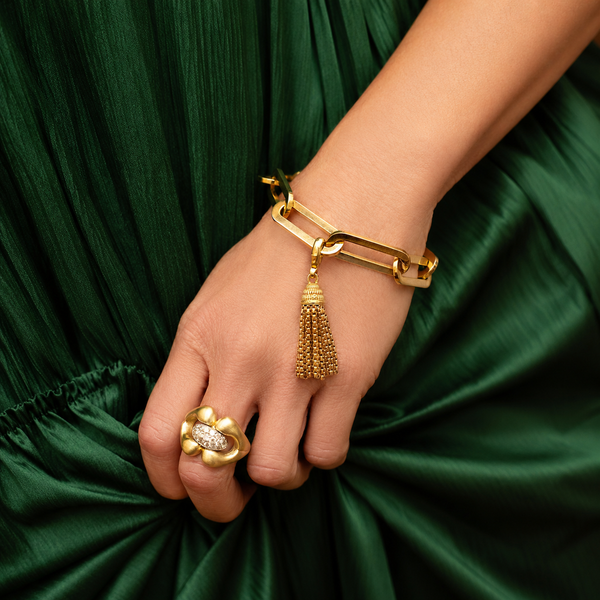
- Background replacement and extension: knock out and replace backgrounds at scale (Photoroom, Pebblely, Photoshop generative expand) — clean e-comm whites, brand-color sets, and generative extension when a crop needs air. For jewelry and reflective goods, inspect edges and reflections at 200%; halos are the tell.
- Lighting and color consistency: AI-assisted batch correction to hold one photographic register across a catalog shot on different days — the quiet consistency that reads as professionalism.
- Upscaling and format adaptation: enlarge hero crops cleanly (Topaz-class tools) and refit assets across ratios — PDP, email, social, ads — without reshooting.
- Context and lifestyle generation — the careful zone: placing the real photographed product into generated environments (tabletops, interiors, seasonal sets). Usable for premium brands when the product itself remains photographic and the environment is plausible; disclose internally, keep a human eye on physics (shadows, reflections, scale), and never generate the product.
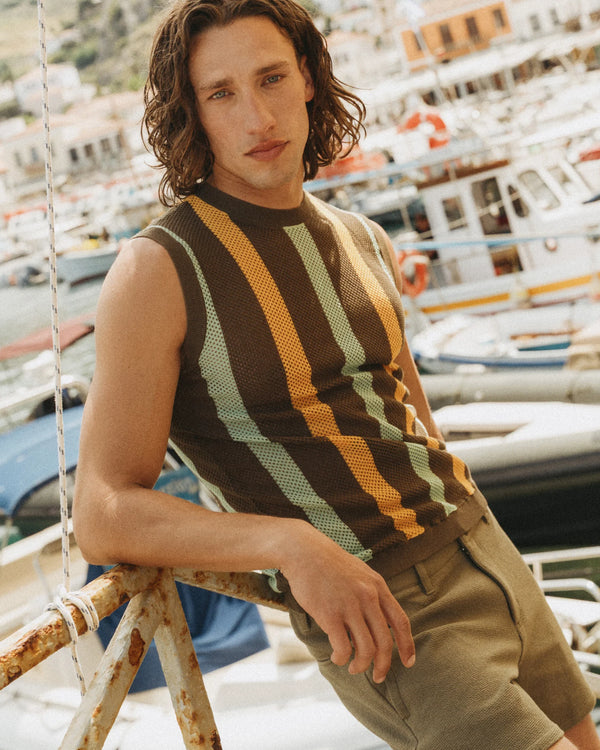
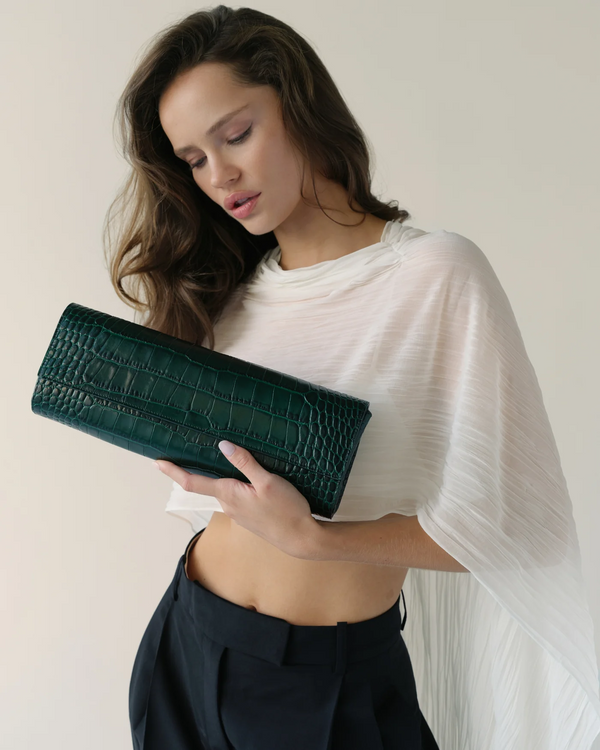
- On-model imagery — the caution zone: AI models and virtual try-on are advancing, but fit truth and brand humanity argue for real bodies in premium apparel and jewelry. If explored, disclosure norms and platform policies apply, and the standard is unforgiving.
The workflow that scales
1) Shoot for the pipeline: consistent angles, gray-card color reference, extra margin for generative expand, raw files kept. 2) Batch the AI passes: cleanup → background → color — in that order, with presets per product line. 3) Human review gate: every image inspected against the reality line before publish — AI errors are confident errors. 4) Version for channels from the approved master. 5) Refresh seasonally: AI makes context updates cheap; the catalog can live in the brand's current season without reshooting the world. The economics: a one-day shoot now yields what three used to — the savings belong in better photography, not less of it.
Where this intersects search and AI visibility
Cleaner, consistent imagery lifts conversion directly — and image quality now feeds machine audiences too: Google's shopping surfaces and the AI assistants increasingly reading catalogs reward clear, well-lit, accurately labeled product imagery with sensible filenames and alt text. The same discipline that persuades a human persuades the systems recommending to humans. (The broader playbook: our guide to making your brand visible to AI.)
Frequently asked questions
Can AI really improve product photography?
Yes — as post-production: cleanup, backgrounds, color consistency, upscaling, and context around a real photographed product. The capture still decides the ceiling.
Is it okay to use AI-generated backgrounds for products?
For most premium brands, yes — provided the product itself is photographic and unaltered in material truth, and the composite passes a human physics check.
Should brands use AI-generated models?
Cautiously if at all in premium apparel and jewelry — fit truth, disclosure norms, and brand humanity argue for real bodies; the technology's errors are still expensive at luxury standard.
What's the biggest AI photography mistake?
Letting generation touch the product — altered materials, invented details — which manufactures returns and burns trust. AI is the darkroom; the product is sacred.
Exhibea runs AI-accelerated photography pipelines for premium brands — shoot direction, post-production systems, and the reality line held. Start a conversation.